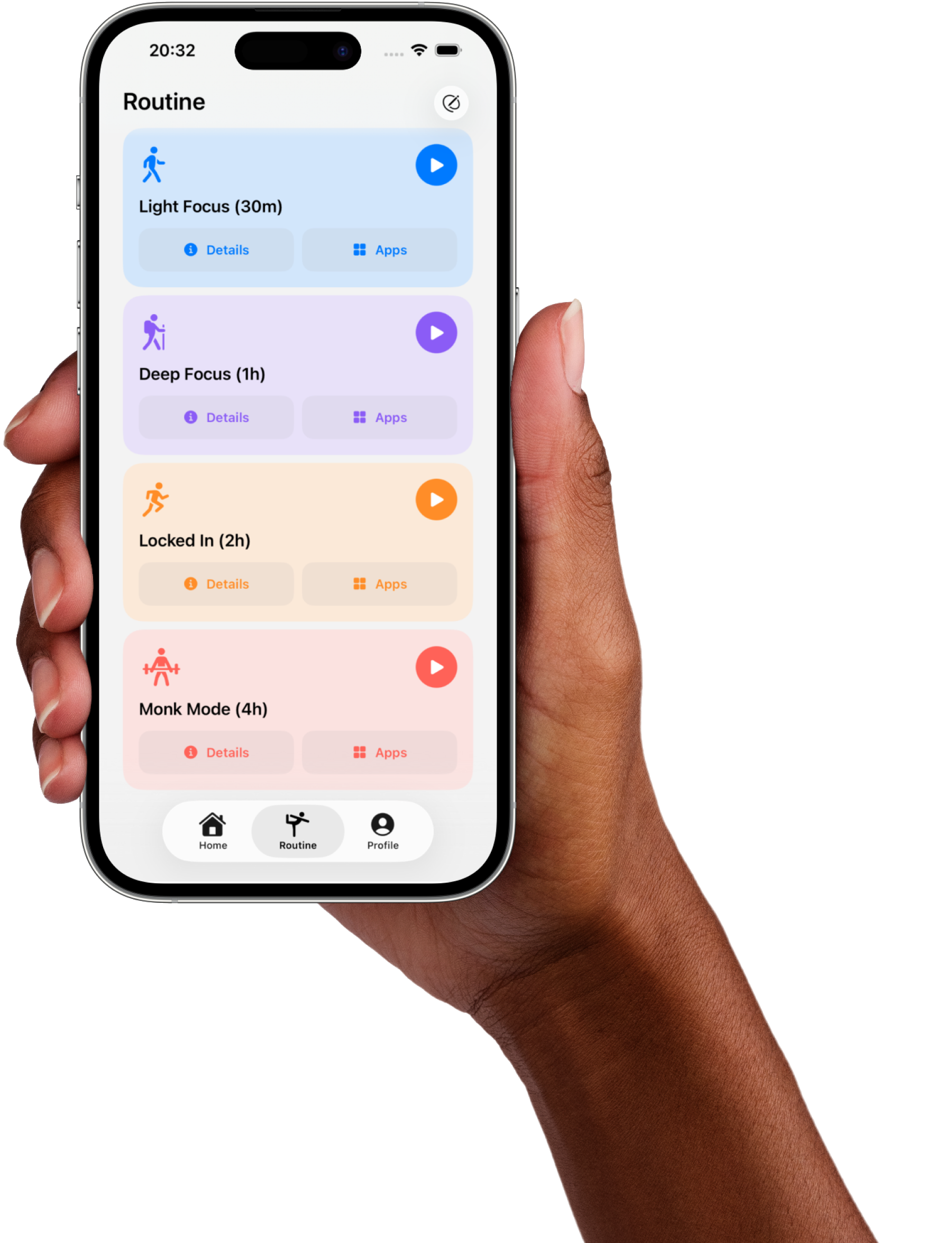
Block Distractions
Get Years Back
Answer a few questions and we'll build a personalized blocking plan around your habits, so you know exactly where to start.
Do you use
an iPhone?
Fella is built for iPhone using Apple's Screen
Time frameworks, so it can block the
distracting apps you choose.
Fella is only on iPhone right now.
Fella uses Apple's Screen Time frameworks to block distracting apps, so it isn't available for Android or other platforms yet. Scan the code to send yourself the App Store link.
Back to FellaFella creates
long-term results
Your Screen Time
80% of Fella users cut their screen time
by at least 35% and keep it there.
Save twice as much
time with Fella
Fella makes it easy and
holds you accountable.
Thank you for
trusting us
Now let's personalize Fella for you…
Your privacy and security matter to us.
We keep your personal
information private and secure.
Enter referral code
You can skip this step
Regaining your focus
starts with a plan.
We'll build a plan around your habits, goals,
and routine, so you know exactly where to start.
We're building your plan
Analyzing your habits…
Setting up daily recommendations
- Your Habits
- Block List
- Focus Goal
- Protected Hours
Your plan is ready.
Create your account
Save your plan and keep your progress connected to you.
Start your Fella+ plan
Unlock Fella+ to
take back your time
Start with a 7-day free trial. Cancel anytime.
Payment is processed securely by Stripe. Your 7-day free trial starts today. Cancel anytime. By continuing, you agree to Fella's Terms of Service.
You're in.
Your Fella+ plan is active. Download Fella and sign in to finish setup and start blocking distractions.
Download on the App Store
Your Fella+ plan is active. Fella is only on iPhone right now, so scan the code below with your phone to download it and sign in.
Scan with your phone's camera to open the App Store.